
App
To book classes you need our app!
Seamless class bookings, track your class count, connect with friends and unlimited members can book a friend for a free class every month. It’s the ultimate way to manage your membership plus say hello to All Studios Access!
An awesome perk of being an Upstate member is that you can book class at any Upstate Studio!
The exception to this is 30 Day Intro Offer Members, Limited Weekly Memberships, Foundation Memberships and Holiday Passes who are restricted to booking classes at their home studio.
Download the App
Got a Question?
How do I log in?
You will be sent a unique login code to either your email or phone number on file.
Can I book at any studio?
Yes! If you’re on a membership with all-studio access, you can book into any Upstate studio across the network. Tap Book on the app, then tap the yellow Filter icon at the top of the app, switch studios and book away.
A few memberships are home studio only, meaning classes are booked at the studio you signed up with:
30 Day Intro Offer
Limited Weekly memberships
Foundation Memberships
Holiday Passes
Not sure what you’re on? Check your membership in the app.
How do I see what number I am on the waitlist?
Make planning your day easier by seeing what number you are on the waitlist! Remember, if you are offered the waitlist spot and decline, you will be charged a No Show fee.
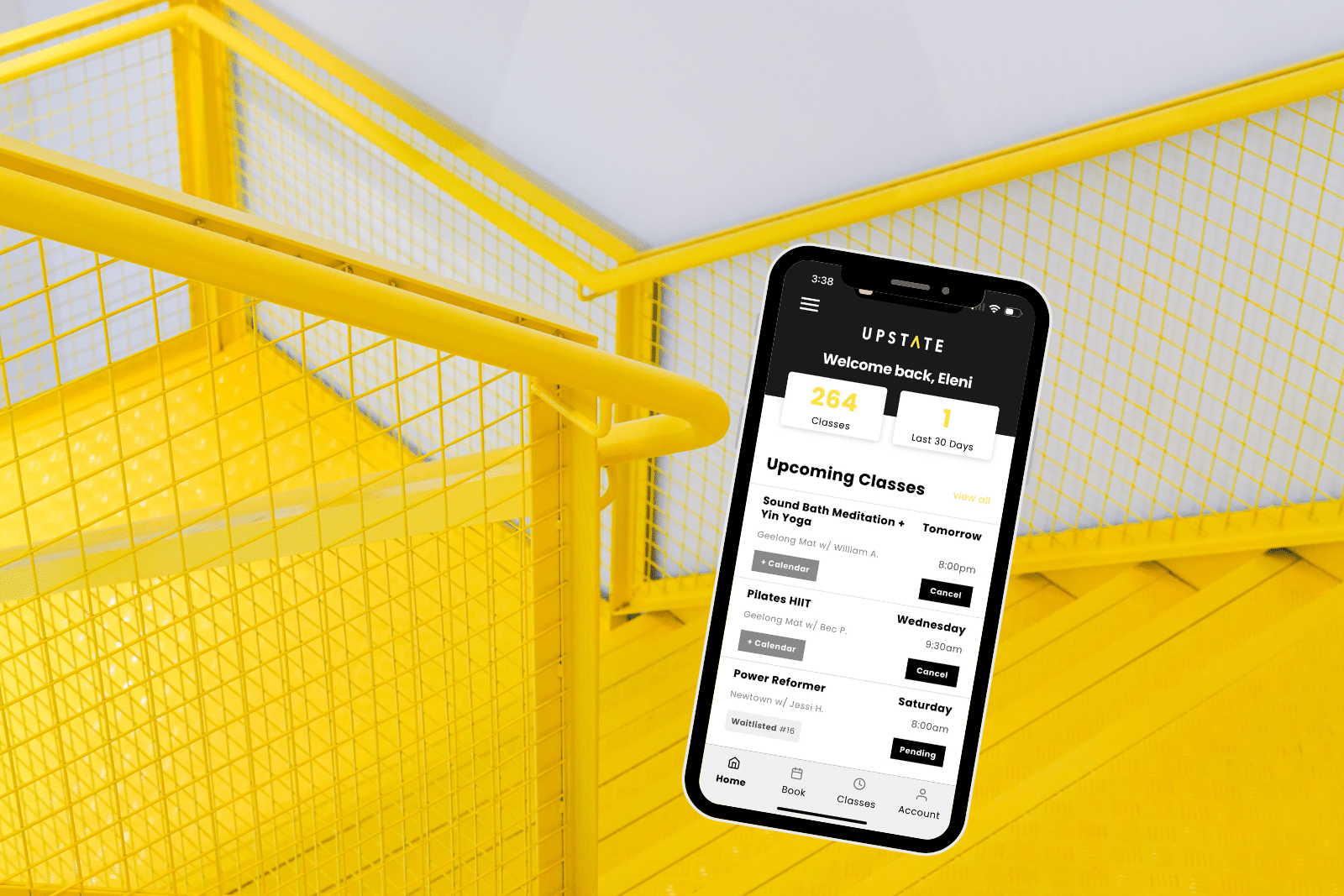
The HOME tab will show you your upcoming classes scheduled including those waitlisted & what number.
Can I update my info on the app?
Sure thing! Head to the ACCOUNT tab to update your personal information.
Can I update my billing info on the app?
Yes! Click ACCOUNT tab and toggle to BILLING tab. You can update your credit card information here.
How do I see my membership details?
Click the side menu and PURCHASES. You can see your active memberships details here.
How do I bring a friend?
If you are an Unlimited Member, you get one Bring a Friend free credit every calendar month.
Otherwise you can purchase a casual class to book your friend in.
Booking them in on the Upstate App
1. Book your class
2. Tap the yellow Bring Friend tab next to it on your Home screen (No tab? The class is fully booked)
3. Add their details and you’re both in!
I am having an app issue!
Get in touch with our team and we’ll sort it out asap!